Natalia Analytics On-Premise Documentation
VM appliance running on your infrastructure. 3 contractual modes depending on your GDPR requirements. No data has to leave your datacenter.
Data sovereignty
Your data stays on your infrastructure. In Strict mode, no outbound connection is required.
3 contractual modes
Strict (no DPA) / +72h Support (light DPA) / Connected (full art.28 DPA). You choose.
GDPR by design
Pseudonymization, RBAC, immutable audit log, GDPR art.17 (right to erasure).
Pick your contractual mode
Three modes, three GDPR postures, one appliance. The choice is yours, made at installation in the first-boot wizard.
| Strict Air-gapped | +72h Support On-demand remote support | Connected Permanent link | |
|---|---|---|---|
| Outbound connectivity | None | One-off remote support access, on your trigger, 72 h at most, per the Support DPA | Permanent HTTPS to Natalia |
| DPA art.28 | None required (you are sole controller) | Light Support DPA, art.28 §3 a-h | Full art.28 DPA with sub-processor schedule |
| Typical use case | Bank, mutual, defense, public-sector OIV | Mid-market, integrators wanting reactive support | Organizations that accept a permanent outbound flow to Natalia |
| RFP cycle gain | −3 to −6 weeks (no DPA review) | −1 to −2 weeks (light DPA) | Standard SaaS cycle |
Architecture per mode
One appliance, three network postures. The diagram you can show your CISO depends on the mode you pick.
Strict
flowchart TB
    subgraph LAN_S["Your premises"]
        PBX_S["Alcatel PBX"]
        APP_S["Natalia appliance"]
        USER_S["Your teams"]
    end
    PBX_S -.->|Billing tickets| APP_S
    USER_S -->|HTTPS local| APP_S
    style LAN_S fill:#eef2ff,stroke:#6366f1,stroke-width:2px
Zero outbound connection. The appliance never talks to Natalia or the public internet.
+72h Support
flowchart TB
    subgraph LAN_T["Your premises"]
        PBX_T["Alcatel PBX"]
        APP_T["Natalia appliance"]
        USER_T["Your teams"]
    end
    SUPPORT_T["Natalia support"]
    PBX_T -.->|Billing tickets| APP_T
    USER_T -->|HTTPS local| APP_T
    APP_T -.->|On your trigger, 72 h max| SUPPORT_T
    style LAN_T fill:#eef2ff,stroke:#6366f1,stroke-width:2px
    style SUPPORT_T fill:#fef3c7,stroke:#d97706
One-off remote support access, on your trigger, 72 h at most, per the light Support DPA (art.28).
Connected
flowchart TB
    subgraph LAN_C["Your premises"]
        PBX_C["Alcatel PBX"]
        APP_C["Natalia appliance"]
        USER_C["Your teams"]
    end
    CLOUD_C["Natalia"]
    PBX_C -.->|Billing tickets| APP_C
    USER_C -->|HTTPS local| APP_C
    APP_C -->|HTTPS permanent| CLOUD_C
    style LAN_C fill:#eef2ff,stroke:#6366f1,stroke-width:2px
    style CLOUD_C fill:#dbeafe,stroke:#2563eb
Permanent HTTPS to Natalia. Full art.28 DPA, sub-processor schedule.
Inside the appliance
Two screens, two promises kept: the appliance boots in minutes and gives your teams a clean local UI. Nothing leaves your network.
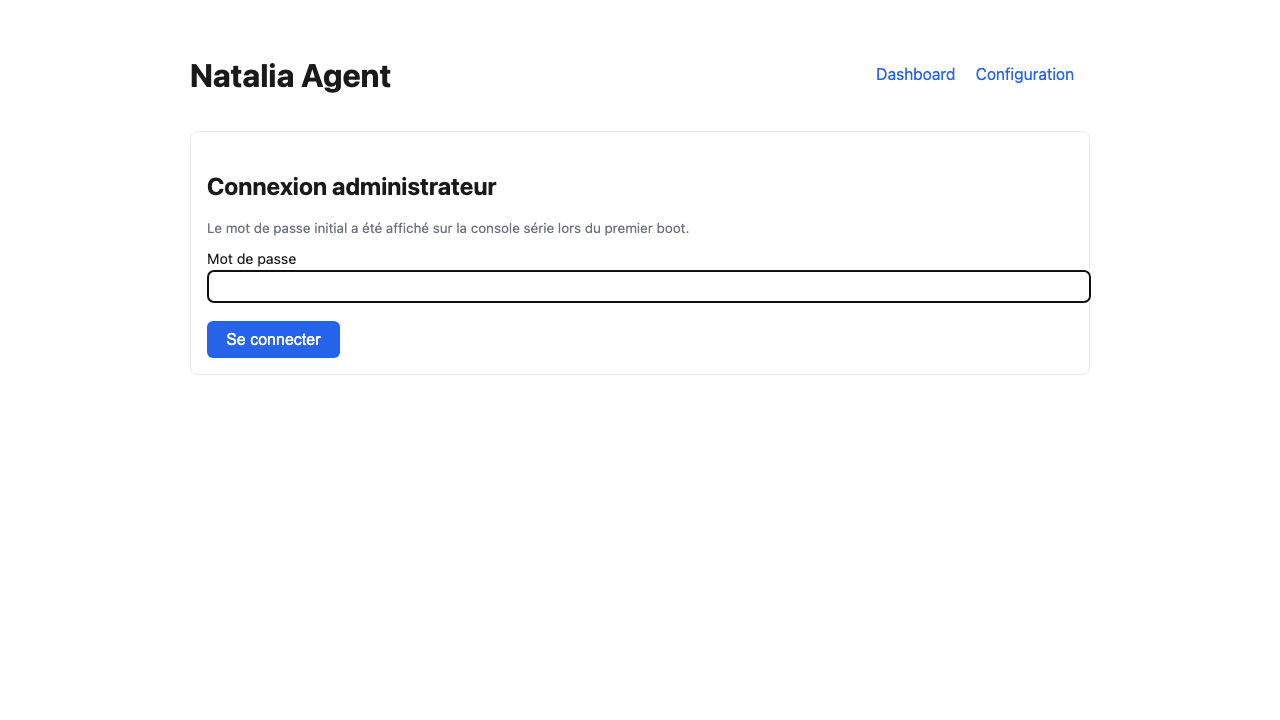
8-screen wizard
Admin password, license, network and mode, PBX, first collection. No internet required.
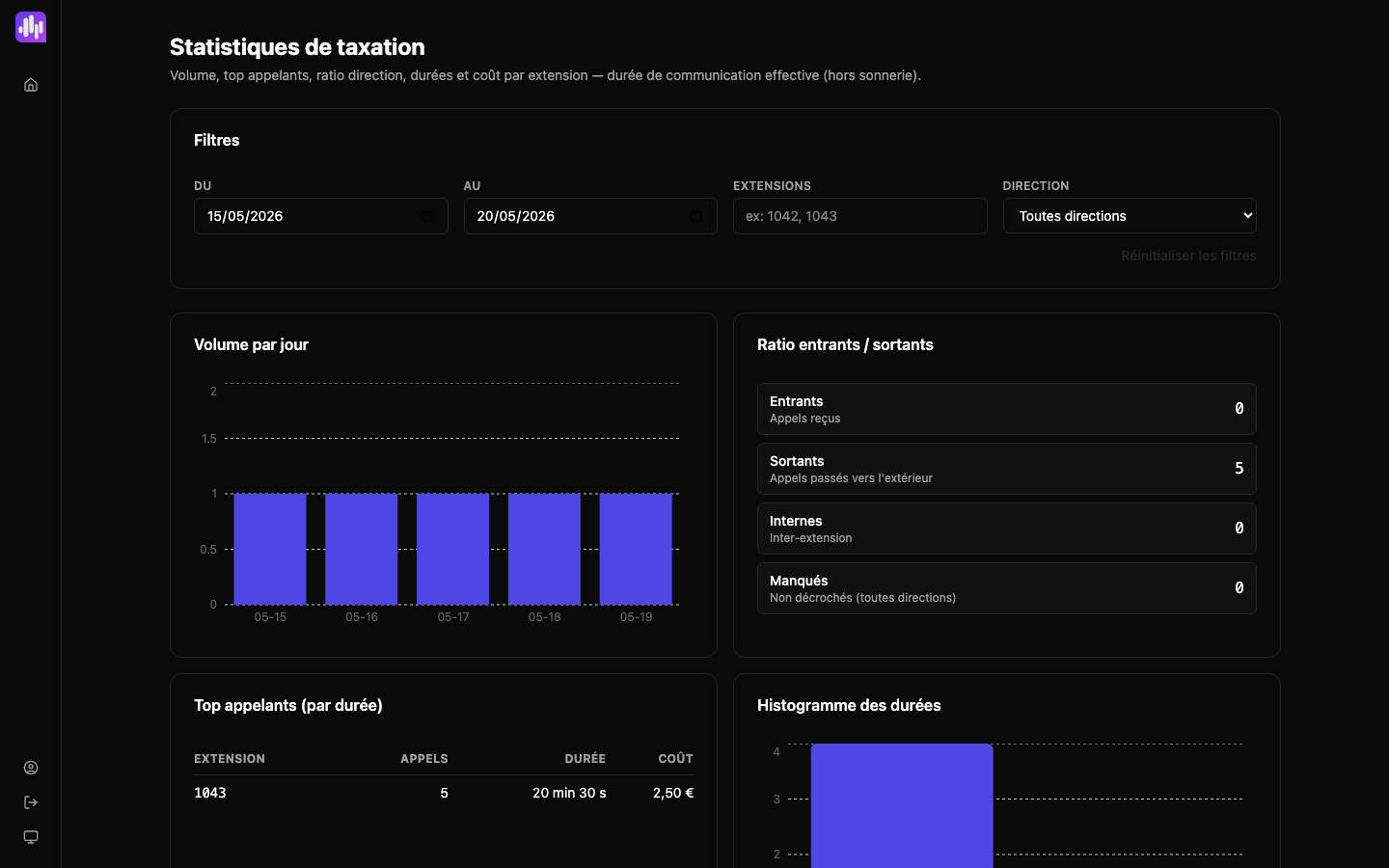
CDR analytics dashboard
Volume per day, inbound/outbound ratio, top callers, cost per extension. Accessed via HTTPS on your LAN, role-based.
Documentation sections
Decide
Contractual modes
Strict / +72h / Connected matrix: DPA, outbound flows, use cases.
On-Premise security
CISO reference: GDPR, encryption, roles, audit log.
Reversibility
Your data stays on your disk. Export, archive, delete.
Install
Alcatel PBX prerequisites
Checklist before the wizard: accounts, flows, license.
OVA installation
VMware / Proxmox / Hyper-V. Single VM profile, 8-screen wizard.
OXE configuration
Taxation over IP, SSH, mtcl account, /usr4/account.
OXO configuration
Embedded FTP, port 30021, ftp_nmc account.
Operate
License lifecycle
States, renewal, hardware fingerprint, 72 h emergency license.
Backup and restore
Daily dump kept 7 days, plus your hypervisor snapshot.
In-place upgrade
System disk swap, data disk kept, automatic rollback.
Data exports
CSV, JSONL, JSON Schema. Admin only, audited.
MCP server
Query your CDR from Claude Desktop, Cursor or Claude Code.
Troubleshoot
CISO frequently asked questions
The eight questions we hear most often in security reviews. Every answer is screenshot-friendly.